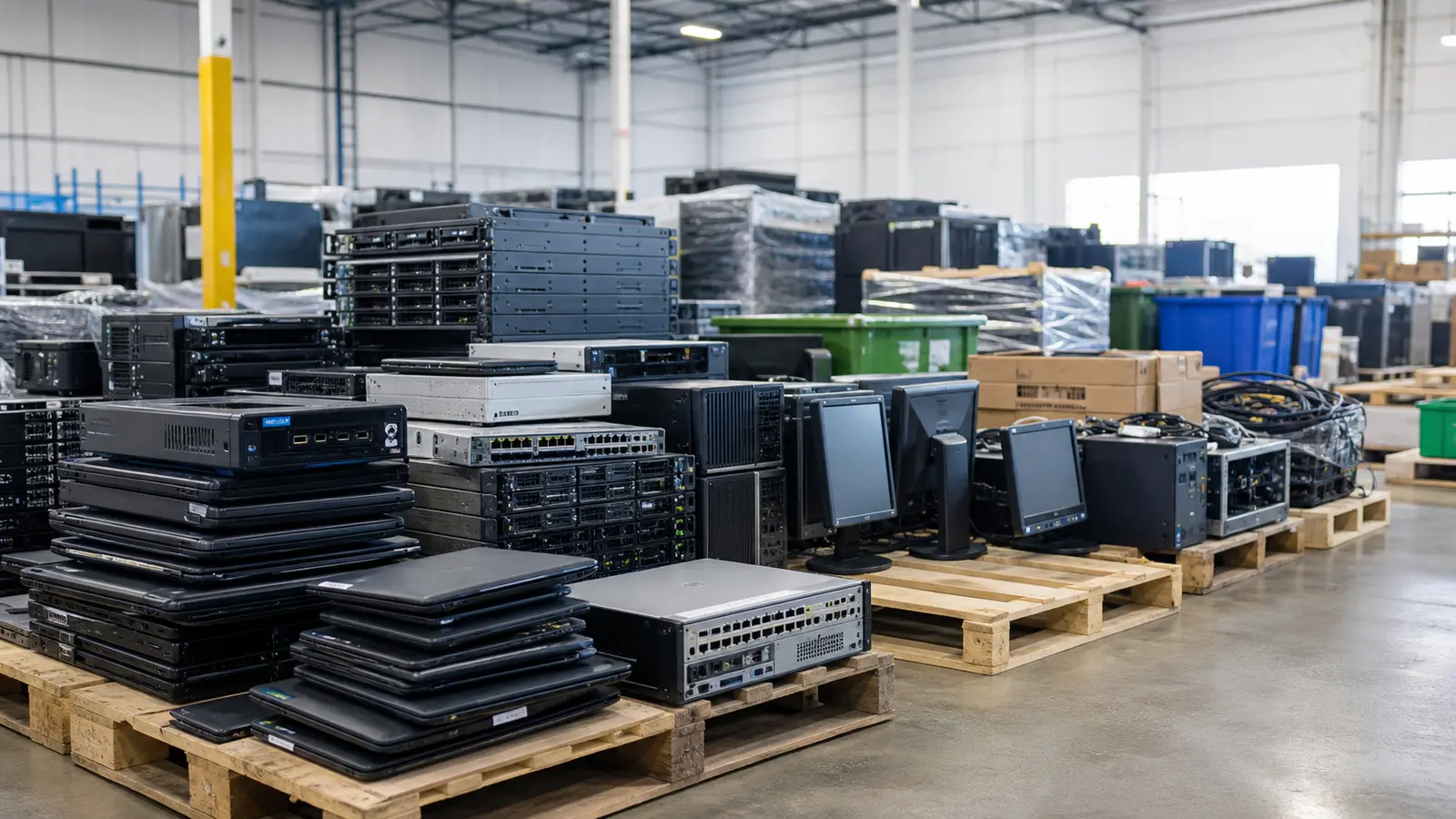
Old IT equipment often collects in storage rooms because nobody has time to sort it. A few spare laptops become a shelf of mixed hardware. A server refresh leaves drive trays, rails and power supplies behind. A network upgrade creates boxes of switches, cables and adapters. Eventually the pile becomes a risk: it takes space, may contain data and is hard to evaluate quickly.
A simple checklist makes the process safer. You do not need a complex asset disposition program to start. You need enough structure to identify what you have, which drives or storage media must be destroyed, what non-storage components could be reused, and what should be recycled responsibly.
1. Separate equipment by type
Start with broad categories: laptops, desktops, servers, monitors, networking gear, phones/tablets, loose drives, cables, accessories and miscellaneous electronics. This helps avoid missing small but important items such as SSDs, USB drives, phones or removable server media. Keep loose storage media separate from general equipment so it can be physically destroyed.
2. Identify data-bearing devices
Anything that may store user data should be marked for physical destruction before leaving the site. This includes hard drives, SSDs, NVMe drives, external drives, phones, tablets, backup units and some appliances. If you are unsure whether an item stores data, treat it as data-bearing. Silicon Rescue does not reuse customer drives or storage media; destruction is the security control.
3. Set drives aside for physical destruction
Hard drives, SSDs, NVMe drives and removable storage media should be separated for physical destruction. They should not enter reuse, resale or donation workflows. Make this separation before equipment enters reuse or recycling.
4. Photograph and count the equipment
You do not need perfect inventory data to begin. Photos of pallets, shelves, serial labels and model numbers help a recovery partner estimate the right path. Counts can be approximate: 20 laptops, 6 servers, 3 boxes of cables, 2 network switches. The goal is to provide enough information to avoid surprises.
5. Mark what may be reusable
Non-storage equipment does not need to be current-generation to be useful. RAM, CPUs, GPUs, power supplies, network cards, server trays and working systems may still support repairs, lab use or parts replacement. Mark anything that powers on, was recently pulled from service, or includes complete accessories.
6. Keep unsafe or damaged material separate
Swollen batteries, broken screens, corroded equipment and physically damaged power supplies should be separated. These items may require special handling and should not be mixed with normal reusable inventory.
7. Choose a data-first recovery path
The right order is important: intake, drive destruction, non-storage reuse testing, parts recovery, then recycling for what cannot be reused. This keeps security and sustainability aligned instead of forcing a choice between them.
Quick intake list
- Equipment type and approximate quantity.
- Photos of the equipment and labels when possible.
- Whether drives or storage media are present, loose or unknown.
- Any departments or users with sensitive data risk.
- Whether the equipment powers on or was recently removed from service.
- Pickup or drop-off constraints.
Silicon Rescue can use a simple list and photos to help determine which drives should be destroyed and which non-storage components should be reused, recovered or recycled. The important part is not perfection; it is avoiding a blind disposal process.
8. Remove accessories that should stay with the asset
Chargers, rails, bezels, drive trays, power supplies and adapters can determine whether a recovered asset is useful. Keep matching accessories near the equipment when possible. A server without rails or trays may still have value, but complete sets are easier to evaluate and redeploy. For laptops, matching chargers can make the difference between a usable system and a parts-only asset.
9. Do not mix unknown drives into general reuse boxes
Loose drives deserve special handling. A box of mixed hard drives and SSDs is harder to document than drives that are separated by source, system or department. If you find loose storage media, put it in a separate container and label it as data-bearing or unknown. This simple step prevents accidental reuse and speeds up physical destruction.
10. Identify business-sensitive sources
Equipment from finance, HR, legal, executive, healthcare, customer support or point-of-sale environments should be treated with extra care. Even if those systems are old, they may contain information that creates legal, operational or reputational risk. If the source is unknown, mark it unknown and handle it conservatively.
11. Decide what documentation you need
Some organizations only need a practical intake confirmation. Others need destruction records, serial-number capture or internal approval logs. Decide what documentation is required before pickup or drop-off. It is much easier to capture the right evidence during intake than to reconstruct it later.
12. Plan for what happens after data handling
Once data risk is controlled, the equipment can be sorted for reuse, parts recovery or recycling. This is where many organizations can improve their environmental outcome. Do not assume that old means useless. Also do not assume that everything should be reused. The right answer depends on condition, completeness, market need and recycling requirements.
Final retirement checklist
- Group equipment by type and approximate count.
- Separate loose drives, SSDs and removable media.
- Mark equipment that may contain sensitive data.
- Keep chargers, rails, trays and accessories with matching assets.
- Photograph pallets, shelves, model labels and serial labels when available.
- Flag damaged batteries or unsafe items separately.
- Confirm what documentation is required for drive destruction.
- Choose a partner that prioritizes data first, reuse second and recycling third.
Following this checklist turns a messy storage-room problem into a safer recovery process. Silicon Rescue can review the list, identify likely data risks and help route the equipment toward the most responsible next step.
When to call before moving equipment
Call before moving equipment if the assets include many loose drives, mixed servers, damaged batteries, unknown phones or equipment from sensitive departments. A short review before equipment is boxed can prevent extra handling later. It can also help decide whether drives should be removed on-site, whether accessories should stay with systems, and whether anything should be photographed for documentation.
The goal is to make the exit clean. Equipment that is sorted before it leaves is easier to secure, easier to recover and easier to recycle correctly. That saves time for the owner and improves the chance that usable components avoid the waste stream.